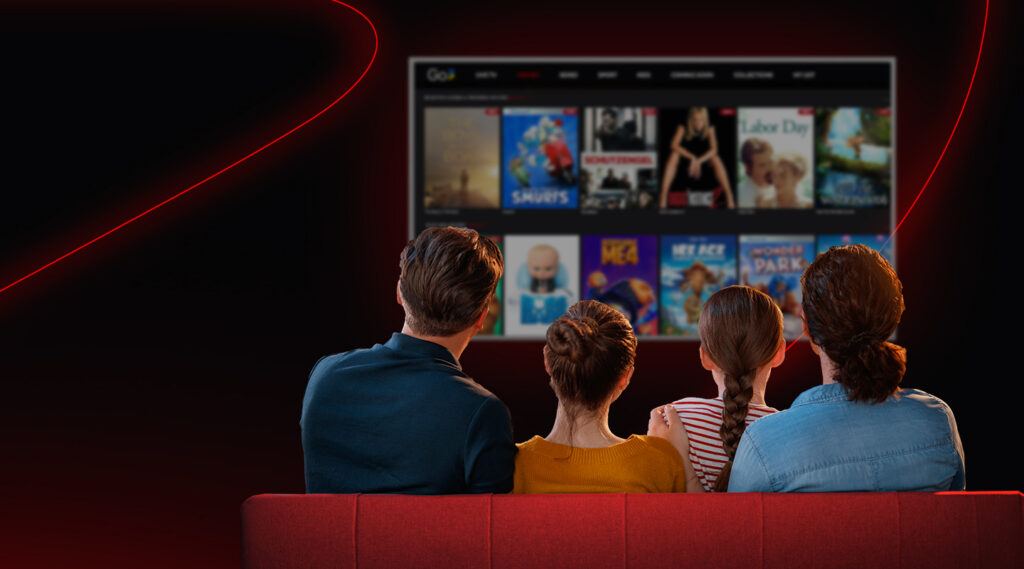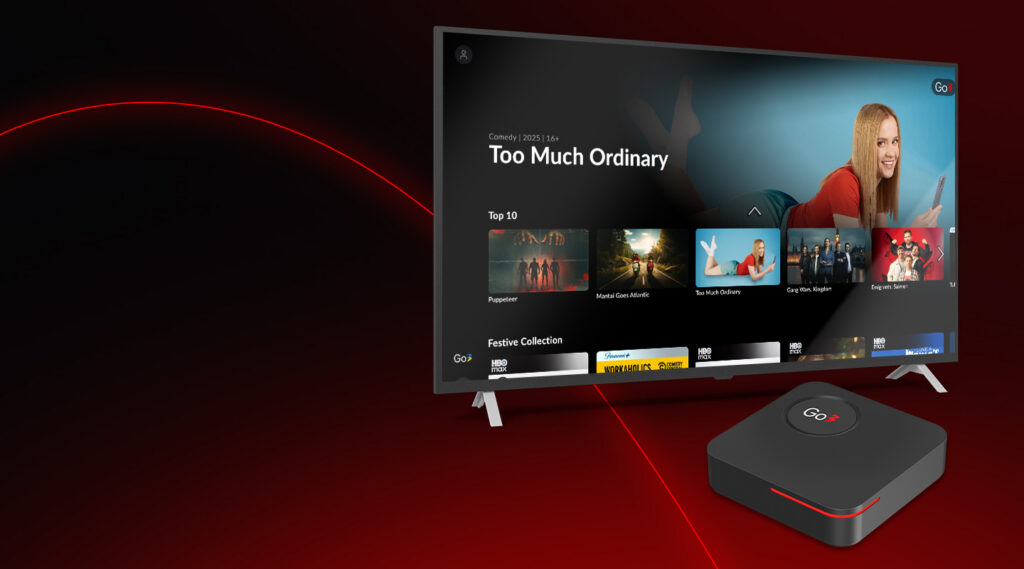


Go3 offers a wide range of entertainment – films, series, live TV channels, sports, and more – all in one place. Many viewers enjoy using Go3 every day, but it’s normal to have questions about how the service works, what you need to get started, how to manage subscriptions, and what to do when something isn’t working as expected. Below we answer ten of the most common Go3 questions in a clear and easy-to-understand way.
1. What Is Go3 and What Can I Watch on It?
Go3 is one of the largest video streaming platforms in the Baltic region. It gives you access to films, series, live TV, sports broadcasts, and other content in one place. Go3 also offers additional content packages such as HBO Max, Discovery+, Netflix and Extra Sports depending on your subscription plan.
2. How Do I Create and Use My Go3 Account?
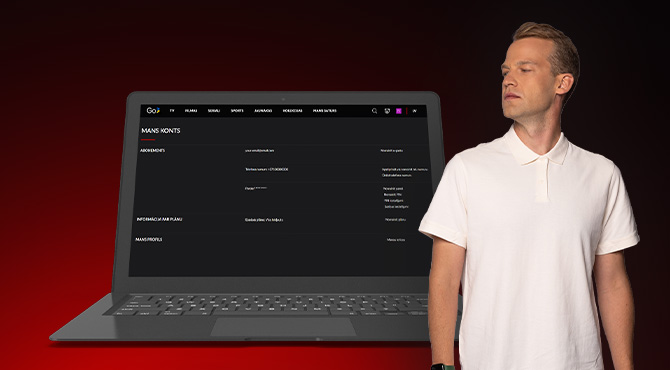
To use Go3, you first need to register an account. You can register directly through Go3 or sign up via our partners such as Tele2 or Home3. Once your account is active, you can log in on different devices such as phones, tablets, computers, and Smart TVs. Please note that account management (self-service) is available only on the Go3 website. That’s where you can update personal information, change your PIN code, link a TV device, or manage your plan. This gives you control over your Go3 experience.
3. What Subscription Plans Are Available on Go3?
Go3 offers different subscription plans so you can choose the one that fits your viewing needs. Plans give access to a mix of content, including films, series, live TV, and sport. Some plans also include extra services and channels. Prices and available content depend on whether you choose a contract or pay-as-you-go plan.
4. How Do Payments and Billing Work?
Payments for your Go3 subscription are handled through your account settings on the Go3 website. If you have a contract, invoices are usually issued monthly. You can pay using accepted payment methods such as a bank card, and you can see your invoice history in your account settings. It is also possible to activate discount vouchers if you have one. Go3 does not offer refunds once a payment period has started.
5. What Are the Technical Requirements to Watch Go3?
To watch Go3 without interruptions, your device and internet connection should meet some basic requirements. A stable internet connection helps avoid playback issues, and your device should run up-to-date software and support the Go3 app or compatible browser. Some Smart TVs require the Go3 app to be installed directly for proper viewing.
6. How Many Devices Can Use One Go3 Account?
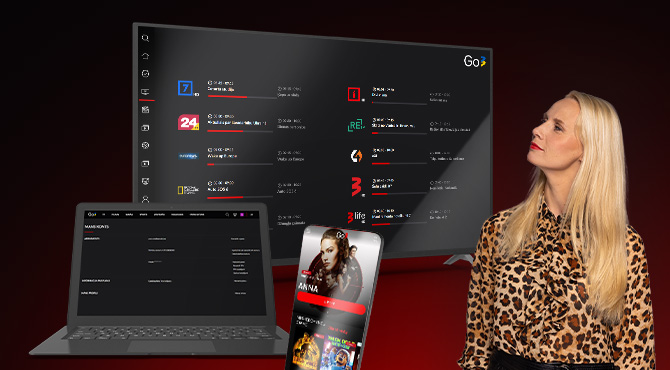
One Go3 account can be used on multiple devices, allowing you to log in on a phone, tablet, computer, or TV with the same credentials. However, there is a limit to how many devices can stream content at the same time. You can watch Go3 on 2 devices at the same time (2 simultaneous streams).
7. Why Can’t I Open Go3 or Log In?
There are a few common reasons why you might not be able to open the Go3 app or sign in to your account. This might happen if the app is not updated, the internet connection is unstable, or your login information is incorrect – in that case, you can also reset your password. Updating the app, checking your connection, and confirming your account details usually resolves these issues.
8. What Should I Do If I See Error Messages?
Error messages may appear when something isn’t working correctly, such as connection issues or content restrictions. These messages often explain what the problem is and what you can try to fix it. Common suggestions include restarting the app, checking your internet connection, updating the app, or ensuring your subscription plan covers the content you want to watch.

9. How Do I Watch Go3 on My Smart TV?
To watch Go3 on a Smart TV, you usually need to install the Go3 app from your TV’s app store. This works on many models that support the Go3 application. Once installed, you select your region, log in with your account, and start watching. If your TV does not support the Go3 app, you can often use a compatible set-top-box to connect Go3 to the TV.
10. Can I Watch Go3 Content While Traveling Abroad?
Go3 content is available legally for viewers within the EU and EEA region. If you try to watch while outside this area, you may need to verify your location by adding a local phone number in your account settings. This step confirms that you are a resident of a Baltic country and allows access to your local content while you travel within the EU or EEA.
Simple Answers for Better Viewing
Understanding how Go3 works makes your viewing experience easier and more enjoyable. When you know how accounts, subscriptions, devices, and technical requirements function, you can avoid confusion and focus on watching the content you love. These clear answers cover the questions many people have, helping you use Go3 with confidence and convenience every day. Whether you’re watching series, films, live TV, or sports, Go3 brings great entertainment together in one place. If you still have questions or need more detailed guidance, you can always find clear and up-to-date information in the Go3 Help Center at https://abi.go3.ee/.